

Who This Site Is For
CyberSafe Seniors is designed especially for:
- Older adults who want easy, reliable online safety guidance
- Beginners who are new to technology
- Anyone who feels unsure about scams, privacy, or device settings
- Family members helping parents or grandparents stay safe
Our goal is to make online safety simple, calm, and understandable.
Why Online Safety Matters
Today, scammers target seniors more than any other age group. Fake emails, text messages, phone calls, and unsafe websites can lead to:
1
Stolen personal information
2
Financial loss
3
Unauthorized access to your accounts
Your 5-Step Beginner Checklist
Use this simple checklist to build a strong foundation:

✔ 1. Create strong, unique passwords
Avoid easy guesses like birthdays or simple numbers.

✔ 4. Think before you click
Be cautious with links, attachments, and unknown messages.
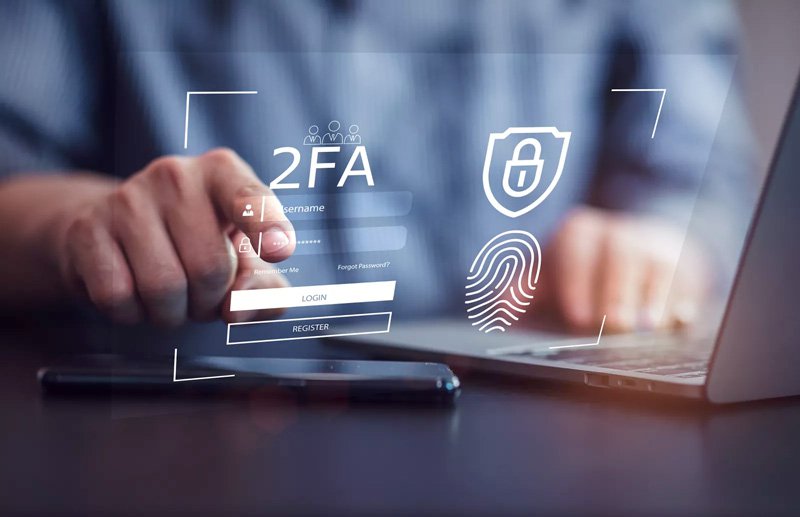
✔ 2. Turn on two-factor authentication (2FA)
Adds an extra layer of protection to your accounts.

✔ 5. Know where to get help
If something feels wrong, go to our Emergency Help page for step-by-step instructions.

✔ 3. Keep your device updated
Updates fix security issues and keep your device safe.
Top Lessons to Get You Started
These are the most important lessons for beginners:

🔹 Phishing: How to Spot Fake Emails
Learn the warning signs of dangerous emails.
🔹 Text Message Scams (Smishing)
Understand how scammers try to trick you by phone.
🔹 How to Create Strong Passwords
Simple tips for making secure passwords that are easy to remember.
🔹 Safe Browsing Basics
How to avoid unsafe websites and protect your information.
🔹 Two-Factor Authentication (2FA)
Why it matters and how to turn it on.
Ready to Learn More?
Continue building your confidence with simple, step-by-step lessons that help you stay safe every time you go online.